One connected operating system
Follow the client from first interest to the next visit.
How it works · 8 stages
You make the choices that shape the work. Belom carries the service, time, conversation and client context forward, so every next step begins with what already happened.
The connected journey
Start lightly. Each stage becomes more useful because it inherits the real work and client context from the stage before it.
Password-free email access leads straight into your own workspace.
Secure access · 01
Begin with your email, not a setup project. There is no password to remember and the Free plan is real.
What you do
What Belom does automatically
Belom verifies the code, creates your workspace and opens the Free plan. No card is needed, and your workspace is ready in minutes.
One service definition supplies the booking page and planner with the same facts.
Services and availability · 02
Give Belom the few facts that make an appointment real: what you do, how long it takes and when you work.
What you do
What Belom does automatically
Belom uses the same service catalog and availability rules across your public booking flow and working planner.
The same live offer can travel from a social bio to a printed QR code.
Public page and links · 03
Turn the work you already do into one clear place a new client can understand and act on.
What you do
What Belom does automatically
Belom keeps every shared route connected to your current services, prices and live availability, so the URL can stay the same as your offer changes.
Live availability protects the calendar from selection through confirmation.
Booking and planner · 04
Clients choose a service and a real time in the browser. A booking link decides instant confirmation or request; without a link, the account rule decides.
What you do
What Belom does automatically
Belom calculates bookable starts from working hours and the live planner, rejects conflicts and places confirmed appointments where the work happens.
 Mia NakamuraCan I move my appointment…2m
 Camille LaurentMerci, à vendredi!1h
 Noor SinghAny evening this week?3hMia NakamuraWhatsApp
The conversation and the relationship record stay in the same working context.
Messages and NAI · 05
Keep WhatsApp, Instagram, Messenger, Telegram, SMS and email close to the client record instead of scattered across tabs and phones.
What you do
What Belom does automatically
Belom brings connected threads beside booking history, notes and upcoming visits. NAI can prepare a contextual reply when asked, but it never sends the draft for you.
Mia NakamuraActiveVIPColourA living record stays beside the planner, inbox and return tools.
Client Memory · 06
Each return becomes easier when the last visit, preferred service, useful note and recent conversation are still in reach.
What you do
What Belom does automatically
Belom keeps the visit timeline, upcoming bookings and linked conversations together, then learns return timing as completed history grows.
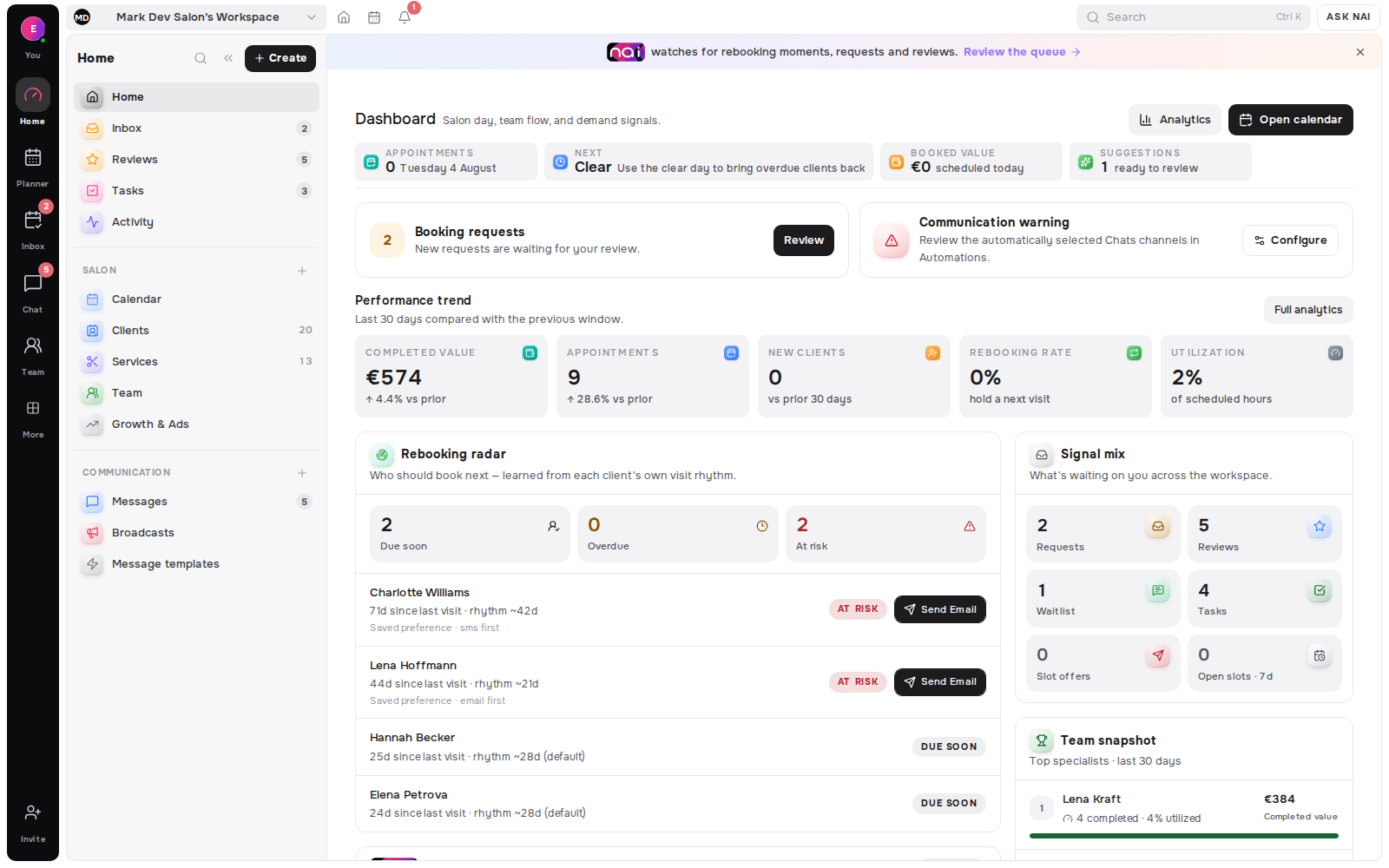
Mia NakamuraAt riskSend messageSentCamille LaurentRequestApproveNoor SinghSlotOffer slotRebooking, live demand and available capacity become reviewable next actions.
Today’s Opportunities · 07
Return signals, open requests, waitlist matches and calendar gaps meet in one daily place to decide what deserves attention.
What you do
What Belom does automatically
Belom prioritizes explainable opportunities from your own workspace. Enabled automations follow your consent, cooldown, channel and daily-limit rules, with the global kill-switch kept in your control.
Operating facts lead back to client, rebooking and growth work without blurring estimates and money.
Analytics and reviews · 08
Step back from the day and see bookings, clients, completed service value, return patterns and demand from the workspace that produced them.
What you do
What Belom does automatically
Belom keeps service-value estimates separate from actual money and allows one local review per completed visit. Google Business and Meta lead connections remain in selected rollout.
Start at stage one
Nothing here needs to be set up twice. Whatever you enter at one stage is what the next stage works from.