One connected operating system
Follow the client from first interest to the next visit.
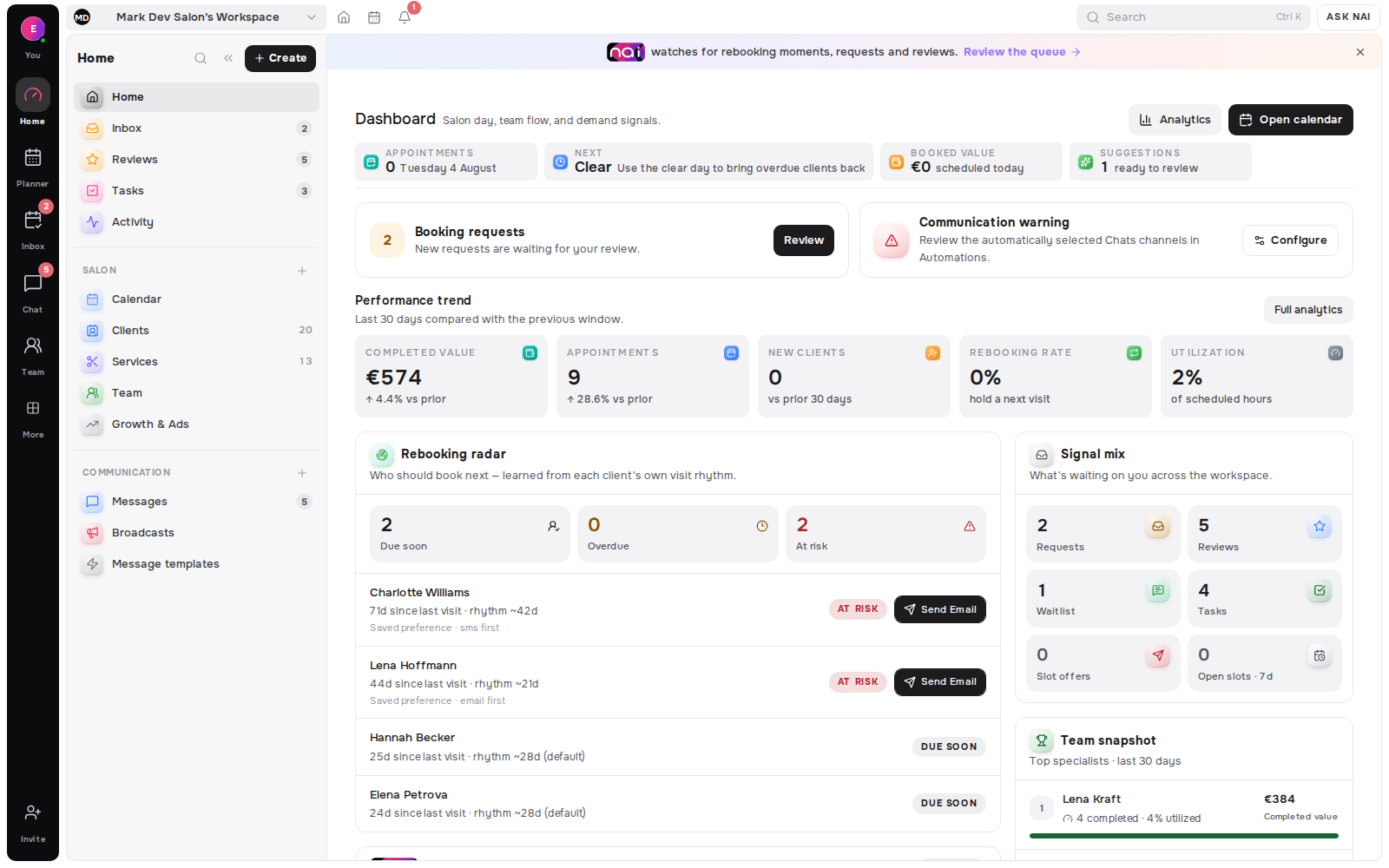
NAI assistant
NAI’s live copilot, insights, money-document and availability tools prepare answers and drafts from bounded workspace context. Event-driven NAI actions are gated off by default, so current client-facing work remains reviewable and approval-based.
No card requiredFree plan included

NAI is an AI assistant for service professionals
The professional opens NAI from the connected conversation and asks for a reply based on the service and current availability.
The copilot can use the permitted client, thread and planner facts instead of inventing a time or starting from a blank prompt.
They edit the proposed wording, choose what to keep and send or apply the result from the Belom tool that owns the work.
Copilot, insights, money-document and availability features are live by default. Event-driven NAI action generation remains gated off by default.
NAI uses the bounded context of each Belom tool, prepares the first pass and stops where professional judgment begins.
Context in
The active thread, client language and linked booking context can become a specific reply draft without opening a separate AI workspace.
 Camille Laurent
In the workflow
Replies arrive in the message composer, availability proposals in the planner and content proposals in the editor that owns them.
Voice first
From Pro upward, speech-to-text captures the request and the availability planner structures dates, times and services against the current workspace.
Review out
The professional can edit, discard or approve what NAI prepared. Client messages, calendar changes and published content never leave a draft by themselves.
Context in, review out
Messages
From the active client thread, NAI can interpret booking intent, use the linked record context and prepare wording in the client’s language.
 Mia NakamuraInterpreted intentBooking request · Friday afternoon · no service named yetDraft prepared — 16:30 is free on Friday, shall I hold it for gel extensions?
Pro and up
Speech-to-text captures dates, times and services, while the availability planner turns them into removable, reviewable windows against the current catalog.
Private drafts
NAI can prepare editable proposals for public pages, posts and campaigns while keeping verified workspace facts attached to the draft.
Never autopilot
A draft can save the first pass without taking away authorship. Sending, publishing and changing the calendar remain explicit human decisions.
10 / month
NAI drafts on Free
Unlimited
NAI drafts on Pro and up
Pro+
voice input and availability planner
Every send
needs a person
Each tool supplies only the workspace facts relevant to its draft.
Reply wording can follow the language stored with the relationship.
Suggested times can be checked against the current planner.
Change the wording or structure before deciding what to keep.
Content help keeps the workspace facts behind a public-page draft.
Free includes 10 drafts each month; paid tiers remove the draft cap.
The Belom platform
Belom keeps the planner, client history and approved communication connected in one place.
Contextual drafts in the composer
Availability proposals to review
Language and relationship context
Post and campaign proposals
Prepared next actions for approval
NAI does not independently send a client message, change the calendar or publish content from a proposal.
Event-driven NAI action generation is feature-gated off by default; live help stays in copilot, insight, money-document and availability workflows.
A tool supplies only the permitted workspace context relevant to the request; NAI does not browse another business’s client data.
Built around your results
Live assistance remains reviewable. Event-driven action automation is gated off by default.
Every returning client, filled slot and hour saved adds to the value of your subscription.