One connected operating system
Follow the client from first interest to the next visit.
Planner & Calendar
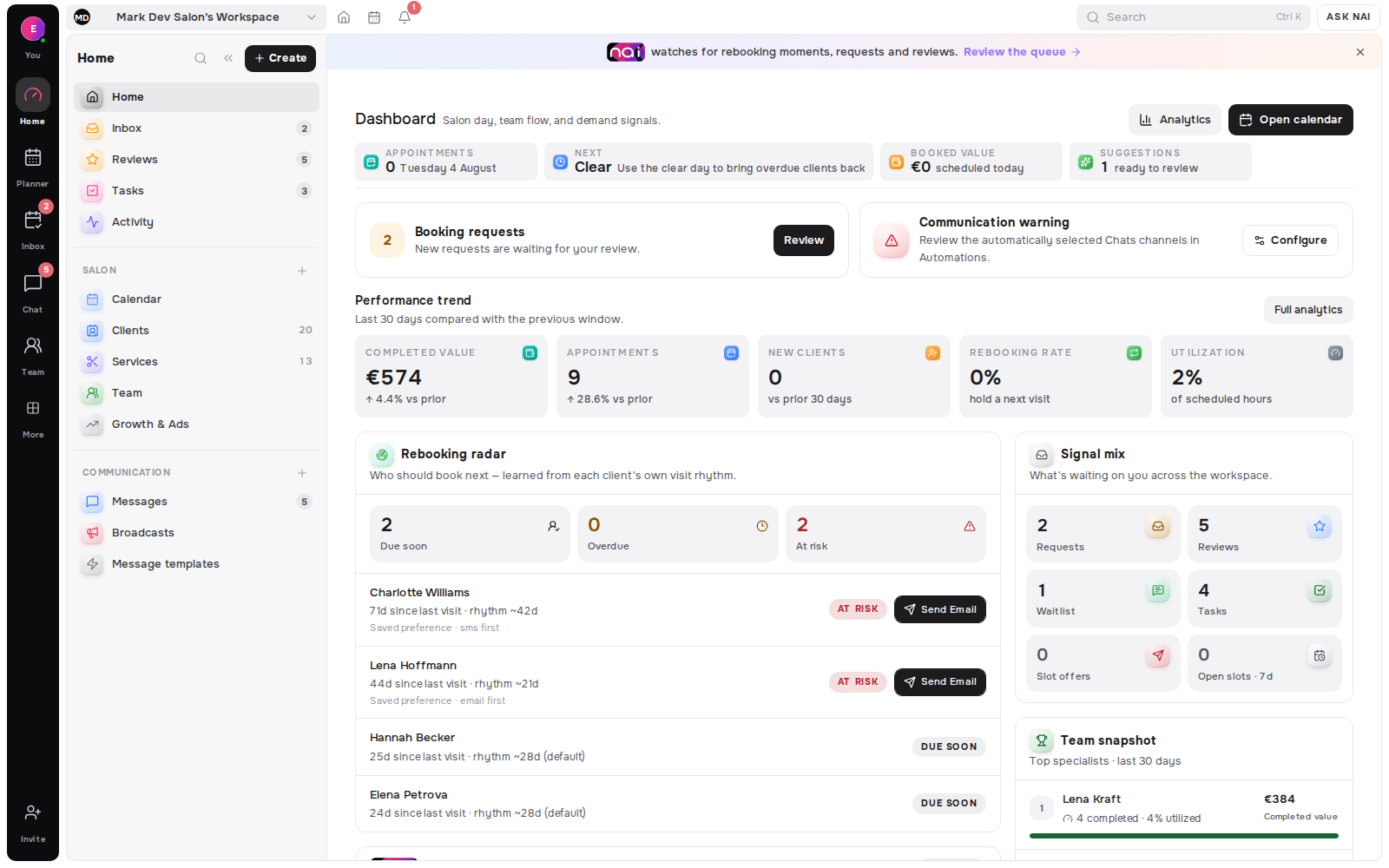
Belom brings bookings, tasks and team availability into one working planner-so you can see capacity, handle changes and open every appointment with its client context close by.
No card requiredFree plan included

Solo specialists and front desks running a team day
A barber scans today’s visits, sees the next client and moves an appointment without losing its service or client context.
A physio or tutor lines sessions up against working hours, breaks and tasks, then sees immediately where capacity remains.
A photographer keeps the visit, assigned professional, location and scheduled task together when plans change.
The core planner is included on every plan. Shared team columns require a team-capable Studio tier plus assigned services and hours.
Every view stays attached to the services, people, requests and tasks that make the schedule real.
Four time lenses
Switch between day, four-day, week and month views while the same live appointment record stays underneath.
Team capacity
Team days split into specialist columns, while unassigned work stays visible and solo professionals keep one focused timeline.
 Sofia Brown
 Noor Singh
 Marco RossiUnassigned work15:00Any specialist · Gloss refreshBooked online · 30 min · needs an owner
Change in context
Change the date, time, duration, specialist or location while the client, service and status remain attached to the booking.
Beyond bookings
Deadlines, all-day work, timed tasks, booking requests and waitlist demand remain close to the calendar that decides what can happen.
One operational view
Open the day
Line up appointments and scheduled tasks against time. Teams can use a column per available specialist while solo professionals keep one timeline.
Sofia09:00Mia NakamuraBalayage · 90 min11:00Prep · colour mixTask · 20 minNoor09:30Yuki SatoCut & finish · 45 min10:30Noor SinghBreak · 30 minMarcoDay offWhen plans change
Open the appointment from its card and change the schedule without rebuilding the booking. Belom checks the target before saving.
 Mia Nakamura
Demand beside supply
The planner list lens brings bookings, tasks and requests together for the month, while the shared inbox keeps ownership of each decision.
Operational work
Keep deadline tasks in the planner rail, or schedule work as an all-day item or timed block beside appointments.
Availability rules
Workspace, location and specialist hours establish availability, then breaks, days off and blocked windows remove time that cannot be booked.
4 views
day, four-day, week and month
1 record
kept beneath every booking view
€0
to start, no card required
1 month
free on annual billing
Keep booked, confirmed and your own workflow states visible in the grid.
Appointments without a specialist remain visible instead of falling away.
Scan bookings, tasks and requests together across the month.
Non-working time stays outside bookable availability.
Team schedules retain the location attached to each appointment.
Client, service, time, duration and status travel with every card.
Paid booking changes keep the required consent checks.
Use the planner on narrow screens, tablets or a wider front-desk display.
Keep deadlines close until they are scheduled into the day.
The Belom platform
Belom keeps the planner, client history and approved communication connected in one place.
Visit context on every appointment
Pending demand beside the day
Live availability from the same rules
Booking decisions and client replies
Specialist and location capacity
Booking and operations patterns
Working hours, breaks, days off, locations and service assignments must be configured before the planner can protect bookable time.
Moving an appointment does not override an overlap or blocked window. Belom checks the target before saving the change.
Appointments, sessions, visits and tasks can share the planner while retaining their own record, status and context.
Built around your results
The core planner is included on every plan; team views begin with Studio tiers.
Every returning client, filled slot and hour saved adds to the value of your subscription.