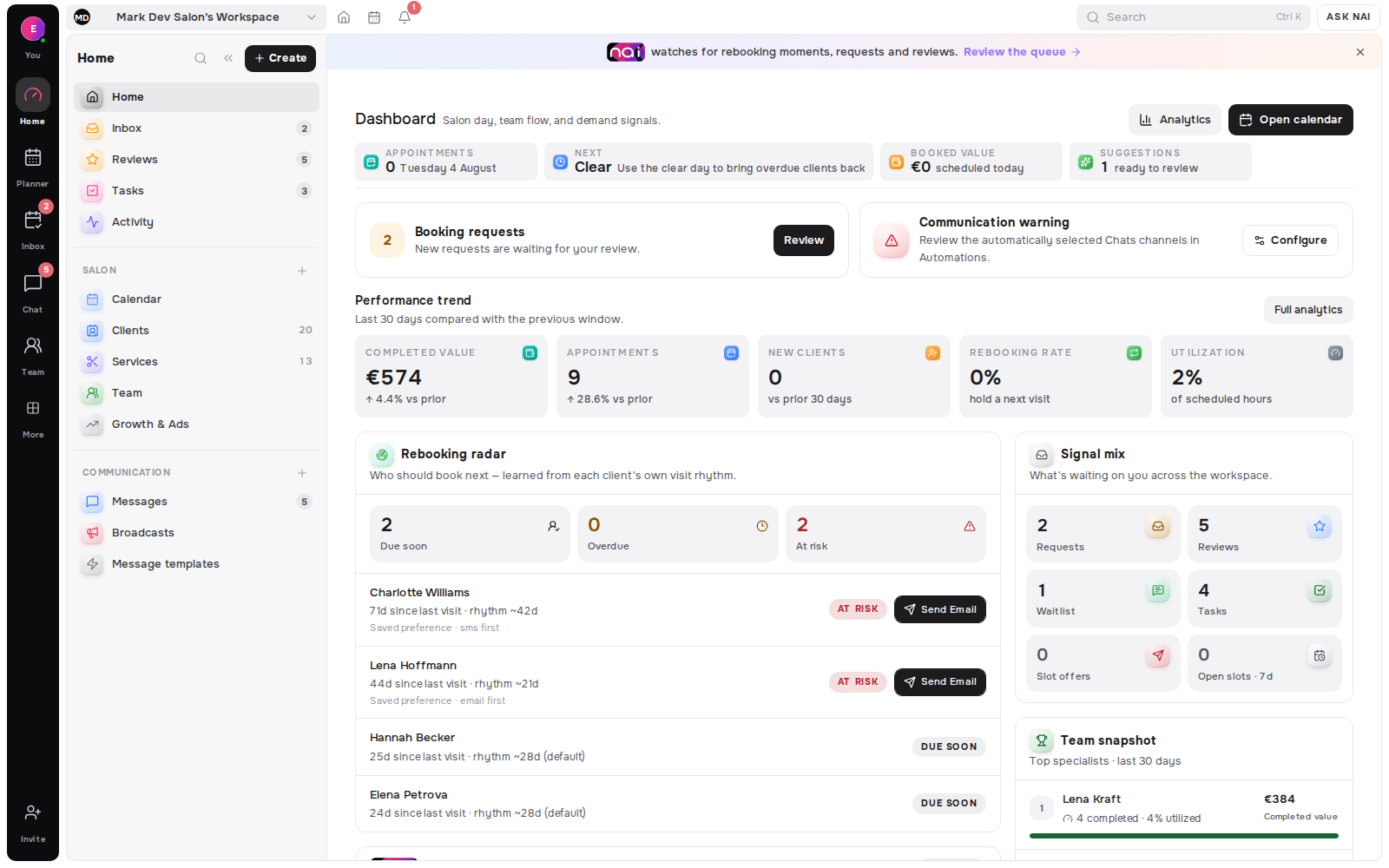
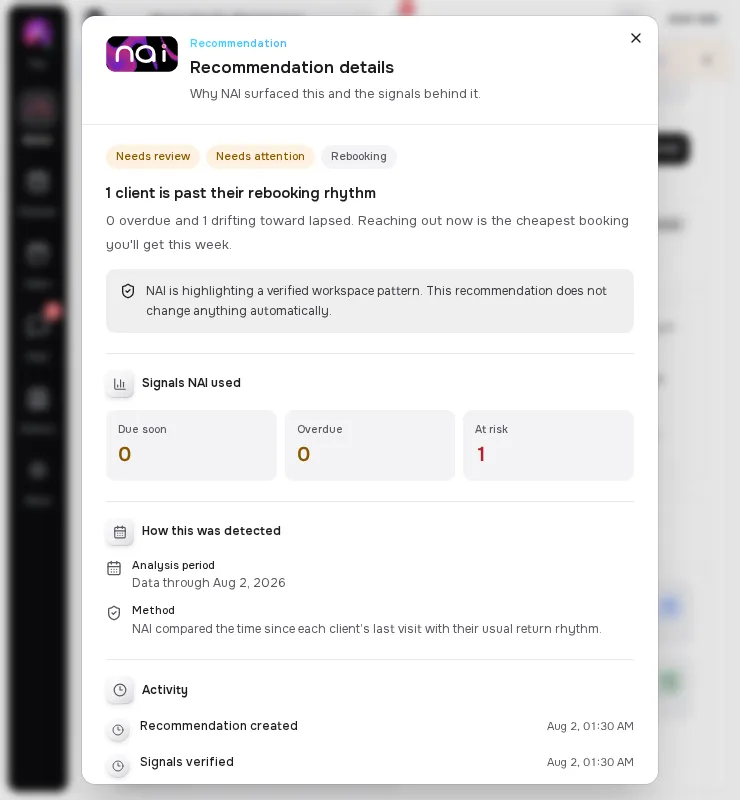
A cancellation gives you about fifteen minutes of useful time. Spend them like this. Free the slot in the calendar so it is genuinely bookable. Filter your waitlist by service, acceptable notice and time of day rather than messaging everyone. Send offers one at a time in order, and give the slot to the first person who confirms. The window is short, so nothing in it can be decided from scratch - the decisions have to be made before the cancellation happens.
This is the operator's side of a full calendar. What the client sees when there is nothing free is a different problem, and we covered it in what your booking page should show when there are no free times. This article is about the fifteen minutes after a slot opens.
Key takeaways
- You get roughly fifteen usable minutes after a cancellation, so every decision must be made before it happens.
- Free the slot properly, then filter the waitlist rather than messaging everyone.
- Send offers one at a time with a stated expiry - the first confirmation wins, and say so in the message.
- Some outcomes are simply empty, and that is normal. Use the time for something else, such as a short add-on for a client already booked that day.
- Track one number: waitlist fill rate.
Before any cancellation: what must already exist
If you start thinking when the message arrives, you have already lost most of the window. Three things need to be in place beforehand.
A waitlist with preferences, not names. Each entry needs the service, the specialist or "any", the earliest and latest workable dates, the time range, and the shortest notice the person can accept. Without the last field you cannot tell a same-day candidate from a two-days-notice candidate, which is the entire question at 09:00 on a Thursday.
A written offer text. Not composed in the moment. One short message with the service, the date, the time, the price and a link that either confirms or expires.
A decided expiry. How long an offer stays valid before it moves to the next person. Fifteen or twenty minutes works for same-day slots; longer for slots several days out. Decide once.
Minutes 0–2: free the slot properly
Mark the appointment cancelled rather than deleting it, and confirm the time is actually released and bookable again.
This sounds mechanical, and it is the step most often done badly. A slot that still shows as busy cannot be offered to anyone, and a slot deleted without a cancellation record removes the information you need later - who cancelled, how often, how much notice they gave.
If the cancellation came with a reason, note it now. In two minutes you will be thinking about the next client and it will be gone.
Minutes 2–5: filter, do not broadcast
The instinct is to message everyone. It is the wrong move for a reason that has nothing to do with etiquette: a broadcast produces several people who say yes to one slot, and you then have to disappoint most of them.
Filter instead. The slot is a specific service length, on a specific day, at a specific hour, with a specific specialist. Match it against people who said that combination works:
- the service fits the length of the gap.
- the specialist matches, or they said any is fine.
- the date sits inside their range.
- the hour sits inside their time range.
- the notice you can give is longer than the notice they said they need.
What is left is usually two to five people, not thirty. That is the list.
Minutes 5–8: send in sequence, not all at once
Send to the best match first, then wait out the expiry before sending to the second.
Sequence feels slower and is not. Broadcasting creates a race you have to referee; sequence creates a queue that resolves itself. Fifteen minutes per offer with three candidates still fills most slots inside an hour, and nobody is told the appointment they just accepted is gone.
Send through the channel the client already uses. An offer that lands in a channel someone checks twice a day is an offer that expires unread.
In Belom this is what the Opportunities side of the product does with a cancellation. The freed slot becomes a targeted offer to a matching client, sent to their own channel. The link it carries either books the appointment or expires. The point is not the automation - it is that the match is made from what the client already told you, so the message goes to someone likely to say yes.
Minutes 8–15: first confirmation wins
State the rule in the offer itself: the slot goes to whoever confirms first, and the offer expires at a stated time.
This is not harsh. It is the thing that makes the whole system fast and fair, and saying it up front prevents the conversation where two people believe they have the same appointment. Clients accept it easily when they know it before they answer, and resent it when they discover it afterwards.
When someone confirms, the slot must close immediately for everyone else. A confirmation that leaves the slot open for five more minutes is how double bookings happen.
When the slot does not fill
Sometimes nothing fills, and that is a normal outcome rather than a failure.
Do not discount it. A gap this week is not a demand problem, and filling it with a price cut teaches your regulars that waiting produces a better price. Use the time instead - a shorter add-on service for someone already booked that day, admin you keep postponing, or an early finish.
What matters is that the attempt was recorded. A slot that went unfilled after three offers tells you something about the waitlist that a slot nobody was offered does not.
What to measure
One number is enough to start: waitlist fill rate = cancelled slots that were filled from the waitlist ÷ all cancelled slots × 100.
Track it monthly and it will tell you which of the three prerequisites is weak. A low rate with a long waitlist means your entries are missing preference data. A low rate with a short waitlist means the booking page is not offering the waitlist properly. A high rate means the loop works and the constraint has moved somewhere else.
If you are also tracking whether visits produce the next booking, keep the definitions separate - the two describe different things, and mixing them makes both unreadable. We set out both formulas in rebooking rate vs client retention.
What does the evidence say about filling slots?
The nearest hard data comes from healthcare, where short-notice slot filling has been measured at scale.
One health system ran an automated short-notice offer tool for nine months. It sent 60,660 offers against 21,978 appointments, and 11% (self-rescheduling cohort study, 2024) were accepted, adding 2,576 clinical service hours and moving patients a median of 14 days earlier (2024 cohort).
Read that acceptance rate carefully. It is the argument for filtering rather than broadcasting: nearly nine in ten offers landed on someone for whom the slot did not work. Every one of those is a message you would rather not have sent.
Timing matters as much as targeting. Nonarrival rises about 16% (scheduling horizon analysis, 2020) for every extra 30 days between booking and visit in specialty care, so a slot filled this week is worth more than the same slot booked far ahead (2020 analysis).
And when the offer follows a missed appointment rather than a cancellation, speed pays: a prompt message after a no-show doubled 30-day return, 22.2% against 11.6% (randomised clinical trial, 2024).
FAQ
How long should a short-notice offer stay valid?
Long enough to be seen, short enough to move to the next person. Fifteen to twenty minutes works for same-day slots; longer when the slot is several days out.
Should I message everyone on the waitlist at once?
No. At scale, most short-notice offers are declined (2024 cohort study), so broadcasting mostly generates messages people cannot use - and forces you to disappoint whoever answers second.
What if nobody takes the slot?
Record the attempt and move on. A slot that went unfilled after three targeted offers tells you something about your waitlist data; a slot nobody was offered tells you nothing.
Should I drop the price to fill it?
No. The gap is a timing problem, not a demand problem, and a discount trains regulars to wait.
What single number should I track?
Waitlist fill rate: filled cancelled slots divided by all cancelled slots. It isolates whether the loop works, separately from how busy you are.
[ORIGINAL DATA] Which sequencing policy do the platforms actually ship?
Methodology. On 19 August 2026 we requested the official waitlist documentation of eight booking platforms with a standard HTTP client and read what each one commits to in writing. Three responded with content; Booksy, Vagaro and Acuity returned 403 to non-browser requests, so they are counted as unverified rather than described. Sample size: three platforms, documentation only.
The three that answered do not agree, and the disagreement is exactly the choice this article asks you to make.
Sequential. Fresha notifies one client at a time and moves on: "the next client in line will be notified if the previous client doesn't book within the set timeframe". A timeout is built into the product rather than left to the operator.
Queue or race, pick one. Mindbody ships both. Auto-add "moves waitlisted clients to the roster as spots open, based on when they joined the waitlist" - no message, no confirmation, the slot is simply assigned. First to Claim "texts waitlisted clients as spots become available, adding the first to respond".
Broadcast, with a brake. Square reserves the waitlist for Plus and Premium plans and documents a suppression rule: "we won't notify your customers about a new opening if we've already notified them in the past six hours".
| Platform. | Who gets the freed slot. | Notes. |
|---|---|---|
| Fresha. | Next client in line; moves on if they do not book in time. | Sequential by design. |
| Mindbody. | Auto-add by join order, or first to respond. | Two modes, opposite client experience. |
| Square. | Notified clients, suppressed if messaged in past six hours. | Waitlist limited to Plus and Premium. |
| Booksy · Vagaro · Acuity. | Not verified. | Help centre returned 403 to a standard client. |
[UNIQUE INSIGHT] Read those three together and the trade-off stops being a matter of taste. Sequential costs time and protects the relationship. Auto-assign is instant and removes the client's consent. Broadcast is fastest and needs a rate limit to stay tolerable - Square wrote one because at scale it had to. If you are choosing a policy by hand, the useful question is not "which fills fastest" but "how many messages am I willing to send a client who cannot use them", and the answer sets your expiry window.
Definitions used in this article
A short-notice offer is a message that sends one specific freed slot to one specific client, with an expiry, for example fifteen minutes for a same-day gap.
Sequential offering is sending that message to one candidate at a time and moving on when the expiry passes.
Broadcasting is sending the same opening to everyone who might match, such as the whole waitlist at once, which fills faster and generates far more unusable messages.
Expiry is how long an offer stays valid before it moves to the next candidate - the single setting that decides whether your loop feels fair or chaotic.
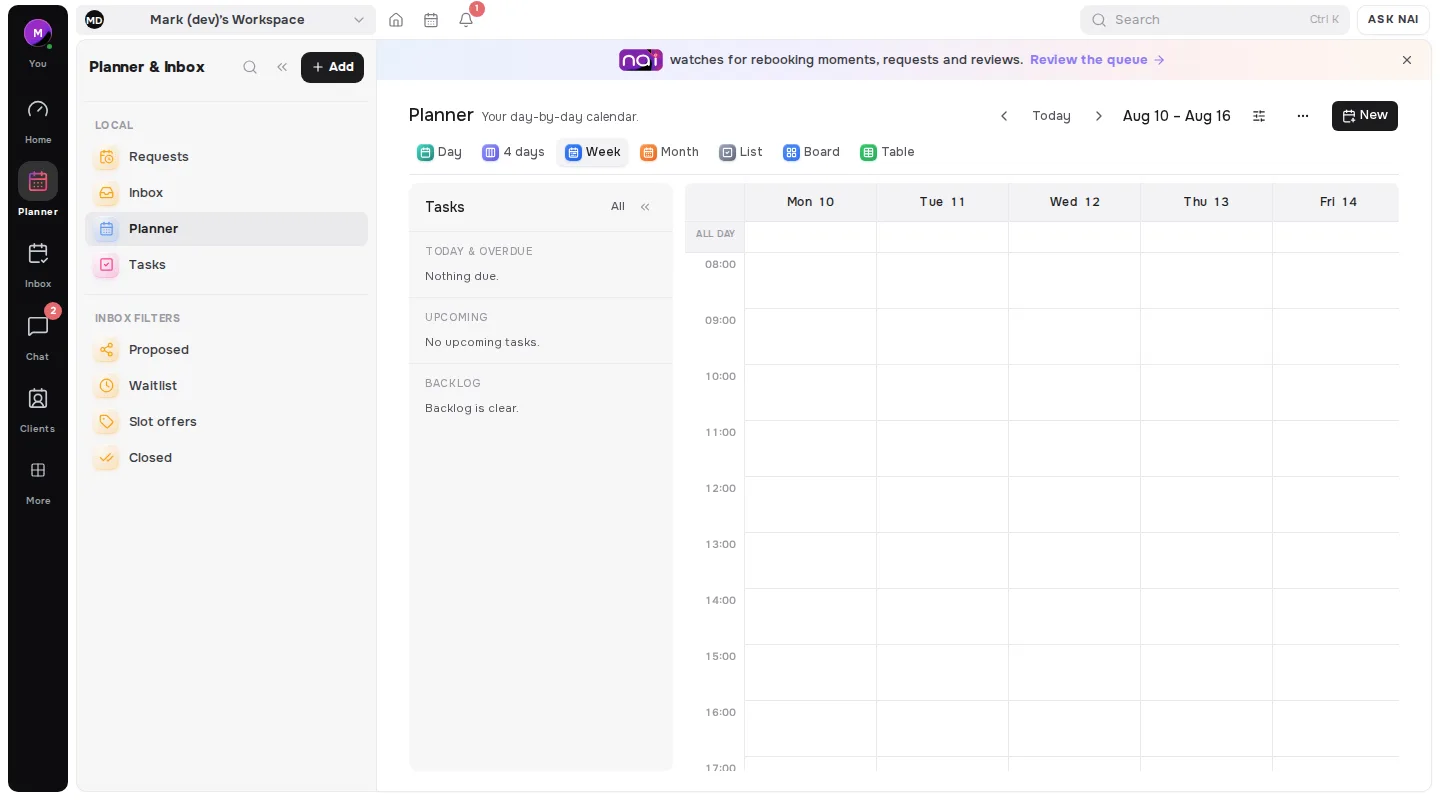
In Belom the fifteen-minute version of this is the empty-slot matcher.
Editorial note: written by the Belom product team from how the product actually works, not from vendor marketing. More about Belom, or contact us with a question. Reviewed 19 August 2026.